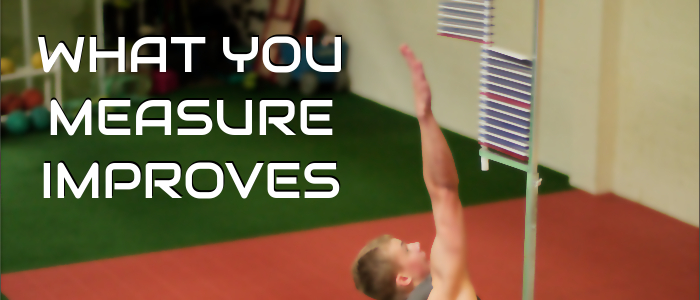
How do you increase your vertical? The answer is surprisingly simple: Jump! If you want to become a better shooter, get up a lot of shots. If you want to improve your dribbling, spend time handling the rock. And if you want to jump higher, commit to a vertical jump program. This week’s blog post shows a jump exercise that will increase your coordination and get you another inch above the rim.
VERTICAL JUMP… IN 3 PLANES
A basketball jump program should mirror the movements that you do on the court. You elevate forward to finish at the rim. You jump laterally when rebounding. You rotate when shooting a turn-around jumper. Each one of these movements requires coordination and must be practiced.
Here’s a quick video of the Box Jump Matrix with Single Leg Balance. As you can see, it includes all three planes of motion. Special thanks to professional basketball player, Ira Brown, for letting us use his big-time hops for the demo.
https://www.youtube.com/watch?v=BevwHTncGvU
QUICK & QUIET JUMPS
Here are a few tips that will help you get the most out of your jumps:
- Jump as high as you can. There’s a difference between endurance and power. If you want to become better conditioned, doing a lot of reps at sub-maximal effort will help. But if you want to jump HIGHER, you must jump as high as you can on every rep.
- Quick and Quiet. Vertical jump expert, Chad Chambers @UDJumpAcademy, teaches his athletes to get quick off the ground and land quietly. This improves how high you can jump on your second attempt and also saves your joints from excessive pounding.
- Progress your program. If this is your first time doing a jump program, start with limiting your total jumps in a workout to 50 (10 forward, 10 left lateral, 10 right lateral, 10 left rotation, 10 right rotation). As your body gets stronger, you can increase the total number of jumps to 100+.
If you want to see more basketball-specific jumping videos, check out our YOUTUBE channel.
Do you have any tips that have helped increase your vertical jump? I’d love to hear about it! Please leave a comment below.